


Magic Wheel - Spin Art Drawing
4.069.00 Reviews
App Specs
- Version
- 1.1.8
- Updated On
- License
- Free
- Downloads
- 500,000+
- Developer
- Nexify Forge
- Categories
- Art & Design
- Platform
- Android
Screenshots
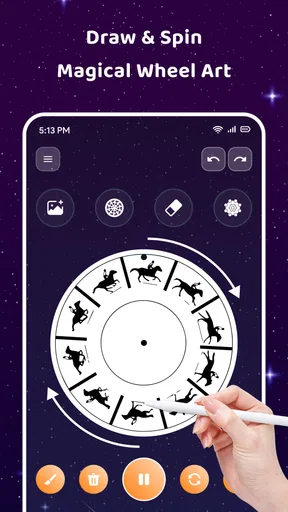
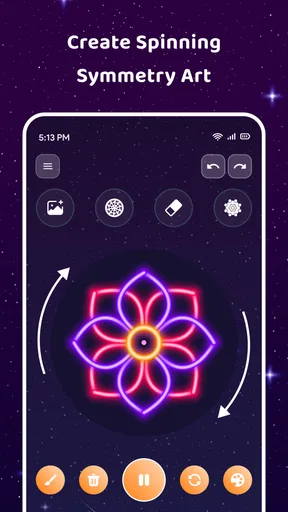
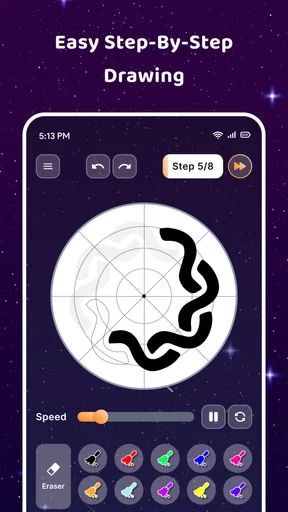
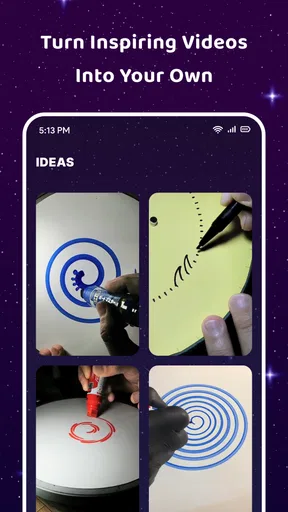
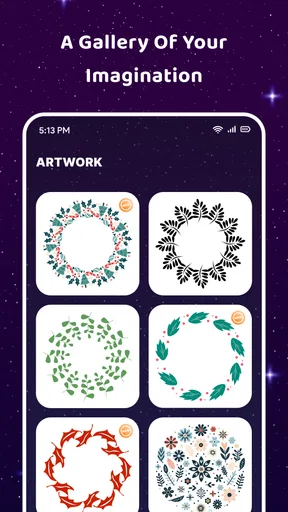
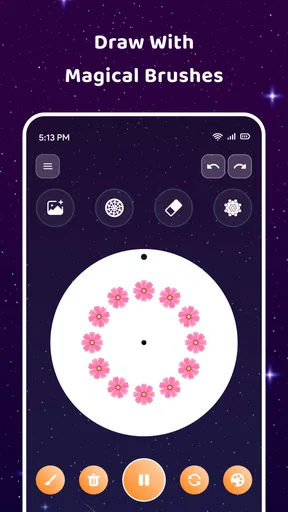
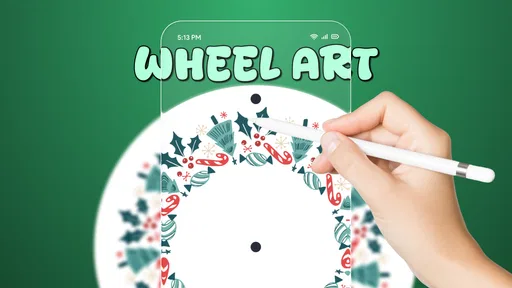
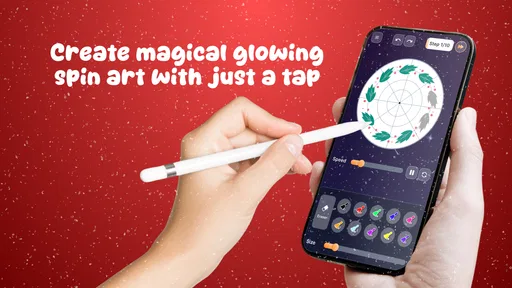
 Analysis by AppCompare
I found that Magic Wheel works best when I approach it as a quick creative break rather than a replacement for a full drawing studio. It is an art and design app from Themes Design Apps, built around making colorful, rotating patterns on a phone. The appeal is immediate: I can open it with no sketching plan, try a few marks, and let the motion turn them into something more elaborate. That low-pressure starting point is useful when I want to make something without first deciding what it should be.
A good fit for short, playful sessions
The app suits people who enjoy visual experimentation, casual doodling, or a calming activity that does not ask for drawing skills. It can also be a fun option to share with a child or use as a small creative prompt: choose a color, make a mark, and see how the pattern changes as it spins. Its Everyone content rating reflects that broad accessibility. I would be less likely to recommend it to someone who needs precise illustration tools, layered artwork, typography, or detailed editing; those jobs call for a conventional drawing app instead.
That distinction matters because spin art is not simply a shortcut to a polished picture. The pleasure is in seeing a simple input become a pattern through repetition and symmetry. If you like controlling every line, that transformation can feel unpredictable. If you enjoy happy accidents, it is the point.
From first mark to a finished pattern
My most useful approach is to begin with a small visual idea, not a complete composition. I pick a color and brush size, make a short stroke, then adjust the spin behavior to see how the mark repeats. A few controlled changes are easier to judge than changing color, size, and speed all at once. When a pattern starts to look promising, I keep working from that direction; when it becomes too busy, undo gives me a way back without having to abandon the whole session.
One non-obvious tip is to treat the center and the outer edge differently. A compact mark near the middle can build a dense, almost floral motif, while a stroke farther out tends to create a broader sweep. I also find that a restrained palette can make a design easier to read than using every available color. These are practical ways to steer the result without needing fine-grained drawing controls.
The pace makes the app especially handy in small gaps in the day. I can imagine opening it while waiting for a meeting to start, making a few variations, and saving the one that feels balanced. It does not need to become a major project to feel satisfying. For a more deliberate session, I would decide on a mood first—soft and sparse, or bright and busy—and use that as a simple rule while experimenting.
Where the creative flow leads
I use this section to think beyond the moment a pattern looks finished: the next useful step is deciding where it will be seen and whether its colors and shapes remain clear there. That small check can turn a casual experiment into a shareable result, while also helping me recognize when a more precise art app would serve the idea better.
Worth Reading Before You Choose

Flipboard Shows What News Apps Must Do Beyond the Feed

Switching to Android Auto Means Rethinking Your Driving Routine

Google Calendar Makes a Crowded Week Easier to Manage

Ludo King Makes the Most of the Minutes Between Plans

Baby Panda World Brings Quick Play to Modern Phones, but Its Game Library Feels Busy

ESPN’s Live Game View Makes Following Close Games Easier
Saving, sharing, and the handoff
Once I have a design worth keeping, the save and share options provide a natural next step: the image can leave the drawing session and become something to show a friend or post elsewhere. That handoff is useful, but it changes what I would make. A bold pattern with clear color contrast is likely to read better when viewed quickly on a small screen than a delicate design whose details need close inspection. If I wanted to use a result for a specific project, I would check the exported image in its destination before relying on it.
This is also where expectations should stay realistic. The app is aimed at making and sharing spin-art creations, not at managing a larger illustration workflow. I would not choose it when I need careful retouching, text placement, or a set of editable components for a design job. Its strength is the immediate visual result; another app is the better tool when the next step involves detailed refinement.
What to expect from a free app
Magic Wheel is free to install, and it has an average rating of 4.2 from around 3,600 ratings, with over 500,000 installs. The current version is 1.1.4, and the app is listed for devices running Android 7.0 or later. Optional in-app purchases range from $4.99 to $29.99 per item, so I would explore the free experience first and only consider a purchase if I had a clear reason to do so. The presence of optional purchases is worth knowing before handing the phone to a child, even though the app is rated for everyone.
For comparison, a standard drawing app generally gives more control over strokes and edits, while a general-purpose coloring app tends to start with a picture or outline to fill in. This one is more about discovering a pattern through motion. That makes it a better choice for an open-ended, low-effort creative pause, but a weaker fit for someone who wants a structured lesson, a blank canvas with professional controls, or a precise finished illustration.
Getting Started with Magic Wheel
Upon downloading Magic Wheel - Spin Art Drawing, I was greeted with a vibrant and intuitive interface. It’s one of those apps that doesn’t require a manual to get started. Just a few taps and you’re already spinning your first creation. The simplicity of the design is one of its strongest suits, making it accessible for users of all ages.
Endless Creative Possibilities
What really sets this app apart is the variety of options it offers. You can choose from a range of colors, brush sizes, and spin speeds to create unique patterns. I found myself lost in the process, experimenting with different combinations to see what would emerge. It’s like having a digital art studio in your pocket.
The spin art feature is particularly captivating. By adjusting the speed and direction, the app allows for an impressive array of design possibilities. Whether you’re aiming for a symmetrical masterpiece or a wild splash of color, Magic Wheel makes it happen with ease.
User-Friendly Features
One thing I really appreciated was the app’s user-friendly features. The undo button is a lifesaver for perfectionists like me who might need a second (or third) try to get things just right. Plus, the save and share options make it easy to export your creations and show them off to friends or on social media platforms.
Additionally, the app doesn’t bombard you with ads or unnecessary notifications, which is a rare and welcome relief in the world of free apps. This makes the whole experience smooth and enjoyable, allowing you to focus solely on your artistic process.
A Fun and Relaxing Experience
Using Magic Wheel isn’t just about the end result; it’s about the journey. There’s something incredibly soothing about watching the colors swirl and blend together as you create. It’s a great way to unwind after a long day or just spend a few minutes away from the hustle and bustle of daily life. Trust me, you’ll find yourself reaching for this app whenever you need a moment of zen.
Final Thoughts
Overall, Magic Wheel - Spin Art Drawing is a delightful addition to any app collection, especially for those who enjoy creative outlets. It’s easy to use, offers a wide range of artistic possibilities, and provides a calming experience. Whether you’re an aspiring artist or just looking for a new way to pass the time, this app is sure to keep you entertained.
With its engaging features and intuitive design, Magic Wheel invites you to unleash your inner artist. So why not give it a spin? You might be surprised at the colorful creations you come up with!
Pros
- Intuitive interface for easy use.
- Wide range of colors and brushes.
- Realistic spin art effects.
- Supports high-resolution exports.
- Regular updates and new features.
Cons
- Occasional lag on older devices.
- Limited free features without purchase.
- Advertisements can be intrusive.
- Requires internet for full functionality.
- No direct social media sharing.
FAQs for Magic Wheel - Spin Art Drawing
What is Magic Wheel - Spin Art Drawing?
Magic Wheel - Spin Art Drawing is a creative app that allows users to make unique spin art designs using a virtual wheel. By choosing different colors and spin speeds, users can create intricate patterns and artwork. It’s a fun and interactive tool suitable for all ages, providing endless artistic possibilities.
How user-friendly is the Magic Wheel app for beginners?
Magic Wheel - Spin Art Drawing is highly user-friendly, with an intuitive interface that caters to beginners. The app provides straightforward controls for selecting colors and adjusting spin speed. Additionally, it offers tutorials and tips to help new users get started in creating their first spin art masterpiece without any hassle.
Does Magic Wheel - Spin Art Drawing require an internet connection?
No, Magic Wheel - Spin Art Drawing does not require an internet connection for creating art. This allows users to enjoy the app anywhere, anytime without worrying about connectivity. However, accessing certain features like saving to cloud storage or sharing on social media might require internet access.
What are the customization options available in Magic Wheel?
Magic Wheel offers a wide range of customization options, including color palettes, brush sizes, and spin speed variations. Users can experiment with different combinations to create unique designs. The app also allows users to layer their artwork and adjust transparency, adding depth and dimension to their creations.
Can I share my artwork created with Magic Wheel on social media?
Yes, Magic Wheel - Spin Art Drawing allows users to easily share their creations on various social media platforms. After completing a piece, users can save their artwork to their device and use the app’s built-in sharing feature to post directly to social media, showcasing their artistic skills to friends and followers.


